

Struggling to get found online? You’re not alone. Most freelancers pour their heart into their websites, only to get buried on page 5 of Google. No calls. No emails. Just crickets. Here’s the painful truth: If clients can’t find you, they’ll hire someone else. Every day your site isn’t optimised, you’re losing work to competitors who figured out SEO. But here’s the good news – you don’t need to be a tech wizard to fix this. This playbook cuts through the confusion. No jargon. No fluff. Just simple steps that work. By tomorrow, you could be ranking higher and booking more clients. Ready to finally get seen? Let’s dive in.
Table of Contents
Why SEO Is Your Secret Weapon for Getting Clients

Think of SEO as your 24/7 salesperson – it works while you sleep, eat, or take on projects. When done right, it puts your website in front of clients exactly when they’re searching for your services. Unlike paid ads that stop working when you stop paying, SEO keeps delivering results month after month.
Most freelancers miss out because they think SEO is too technical or time-consuming. But here’s the truth: small, consistent tweaks add up. Optimizing your site helps you stand out in crowded markets, whether you’re a designer, writer, or consultant. Clients trust websites that appear first in search results – it’s like Google giving you a stamp of approval.
The best part? You don’t need to be an expert. Simple changes like using the right keywords, fixing broken links, and adding clear service descriptions can dramatically improve your visibility. Start today, and within months you could be getting client inquiries without cold pitching or bidding on job boards.
How Google Works (In Simple Terms)
Imagine Google as a super-organized librarian with trillions of books (websites). Its job is to find the perfect book for every question asked. It does this by sending out “crawlers” – tiny robots that scan and categorize every website. These crawlers look at hundreds of signals to decide which sites are most helpful.
Three things matter most: content (your words and images), keywords (what people search for), and links (other sites recommending you). Google wants to match searchers with websites that answer their questions best. If your site loads fast, has clear information, and gets shared by others, Google will show it to more people.
You don’t need to understand all the technical details. Focus on making your site helpful and easy to use. Google rewards websites that real people find valuable – so think about your clients’ needs first, and the rankings will follow.
Keyword Research Made Painless for Busy Freelancers

Keywords are simply the words clients type into Google. Finding the right ones doesn’t require expensive tools or hours of research. Start by brainstorming what your ideal client would search – like “affordable logo designer NYC” or “freelance copywriter for startups.”
Use free tools like Google’s autocomplete (type your service into Google and see what suggestions pop up) or AnswerThePublic. These show real questions people are asking. Look for phrases with decent searches but low competition – these are your golden opportunities.
Once you have 5-10 solid keywords, naturally sprinkle them in your page titles, headings, and content. Don’t stuff them – write for humans first. This simple process, done consistently, helps Google understand who should see your site. Set aside 30 minutes monthly to refresh your keywords, and you’ll stay ahead of competitors.
Keyword Research Made Painless for Busy Freelancers

Finding the right keywords doesn’t have to eat up your precious time. Start by putting yourself in your client’s shoes – what would they type into Google when looking for your services? For example, a social media manager might search “best Instagram strategist for small businesses” or “affordable social media packages.” These are the golden phrases you want to target.
You don’t need fancy tools to get started. Google’s own search suggestions (those drop-down options that appear when you type) are packed with real search terms people use daily. Another free trick? Scroll to the bottom of Google’s results page to the “Searches related to…” section – it’s a goldmine of keyword ideas. If you want to go further, free tools like Ubersuggest or Google’s Keyword Planner give you search volumes without costing a dime.
Once you’ve got your keywords, use them naturally in your website content. Your homepage should target your most important phrase, while service pages can focus on more specific terms. Remember: one strong keyword per page is enough. Sprinkle it in your page title, headings, and a few times in your content – but always write for humans first. This simple approach takes minutes but can dramatically improve your search rankings over time.
On-Page SEO: Easy Fixes Anyone Can Do Today
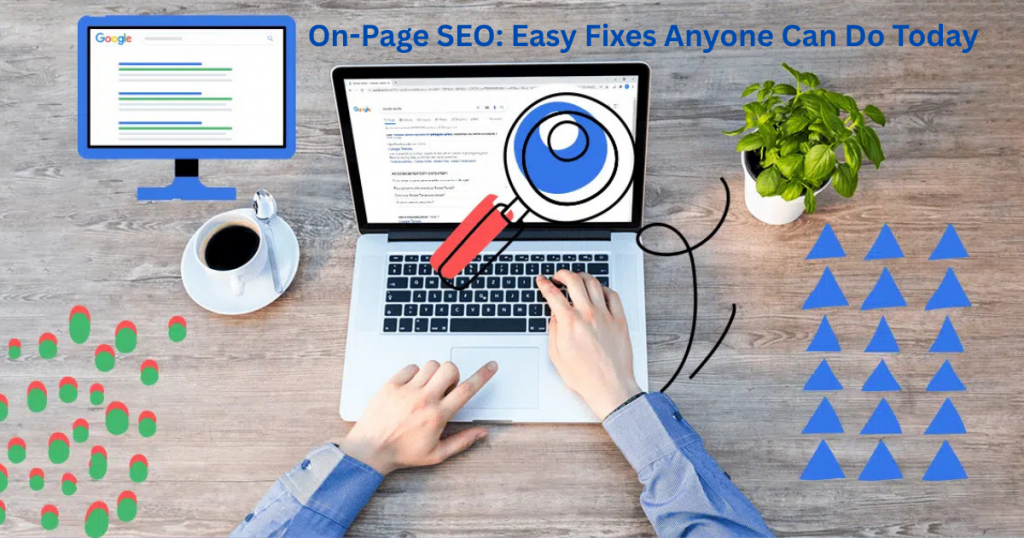
On-page SEO is all about optimizing what’s actually on your website – and the good news? Most fixes take less than 10 minutes. Start with your page titles – they should clearly say what the page is about and include your main keyword. For example, change “Services” to “Social Media Management Services for Small Businesses.” This simple switch helps Google understand your content better.
Next, check your headings. Use H2 tags for main sections and H3s for subsections, making sure they’re descriptive. Images need attention too – compress them to speed up your site (try TinyPNG) and always add alt text that describes the image. Broken links are another easy win – use a free tool like Broken Link Checker to find and fix them.
Finally, make sure your content actually answers questions your clients have. Google loves pages that thoroughly cover a topic. If you offer multiple services, give each its own page with detailed descriptions. These tweaks might seem small, but together they send strong signals to Google that your site is worth showing to searchers.
Local SEO Tricks to Dominate Your City
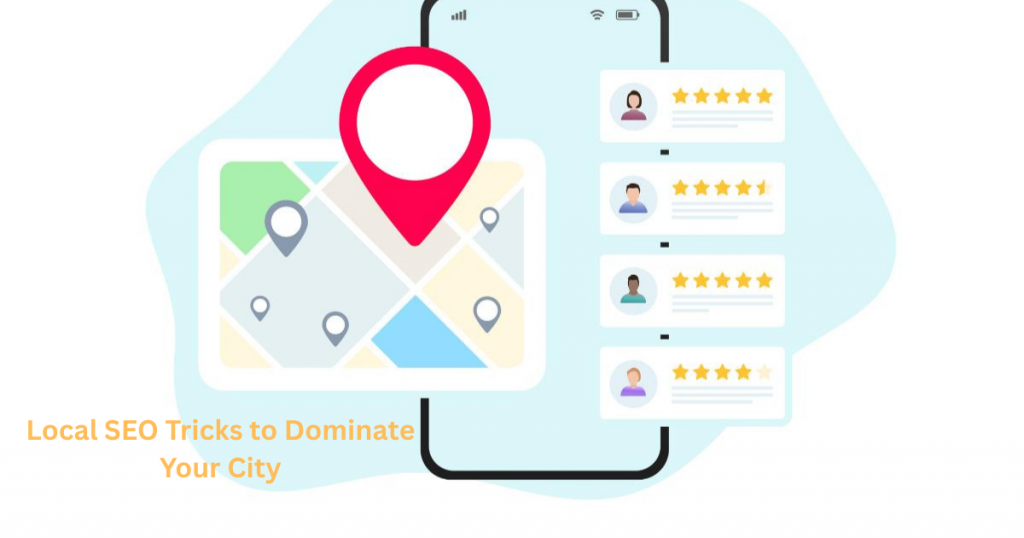
Want more local clients finding you online? Start by claiming your Google Business Profile (it’s free!). Fill out every section completely – your address, hours, services, and add high-quality photos. The more complete your profile, the better Google understands your business. Encourage happy clients to leave reviews too – just 5-10 genuine reviews can boost your visibility in local searches.
On your website, mention your city and neighborhood naturally throughout your content. For example: “Web designer serving downtown Chicago businesses” or “Best yoga instructor in the Queens area.” Create a dedicated “Service Area” page if you serve multiple locations. Local backlinks help too – get listed on local directories like your Chamber of Commerce website or industry-specific local listings.
Don’t forget to optimize for “near me” searches. Make sure your contact page has your exact business address (if you have a physical location) or at least the cities you serve. Add a Google Map embed to your contact page, and keep your name, address, and phone number consistent everywhere online. These simple steps help Google connect you with local customers searching for what you offer.
The Truth About Backlinks (Without the BS)

Backlinks aren’t as complicated as some “experts” make them seem. Think of them like votes of confidence – when another website links to yours, it tells Google your content is valuable. But here’s what nobody tells you: not all backlinks are created equal. One link from a respected industry site is worth more than 100 links from spammy directories.
The best backlinks come naturally when you create genuinely helpful content. Guest posting on relevant blogs or getting featured in local business directories are great ways to start. Avoid shady “link-building services” that promise hundreds of links overnight – these often do more harm than good. Google’s gotten smart at spotting fake links and can penalize your site for them.
Focus on quality over quantity. A few strong backlinks from trustworthy sites in your niche will boost your rankings more than thousands of low-quality ones. Start by reaching out to complementary businesses in your area or offering to write helpful guest posts for industry blogs. It takes effort, but these real connections pay off in better rankings and actual clients.
Free Tools That Give You an SEO Edge
You don’t need expensive software to improve your SEO. Google’s own tools are some of the best – and they’re completely free. Google Search Console shows you exactly how people find your site and what needs fixing. Google Analytics reveals which pages perform best and where your visitors come from. Together, they give you everything you need to track your SEO progress.
For keyword research, try AnswerThePublic to find questions real people are asking about your services. Ubersuggest offers free daily searches to uncover valuable keywords. Need to check your site speed? PageSpeed Insights gives specific recommendations to make your pages load faster. And don’t forget about Hemingway Editor – it helps simplify your writing so both readers and Google can understand it better.
These tools level the playing field against bigger competitors. Spend 30 minutes each week checking them, and you’ll spot easy opportunities to improve your rankings. The best part? You can start using all of them today without spending a dime or needing technical skills.
Common SEO Mistakes That Hurt Your Rankings

Many freelancers accidentally sabotage their own SEO without realizing it. One big mistake? Ignoring mobile users. With most searches now happening on phones, if your site isn’t mobile-friendly, Google will push you down in rankings. Another common error is duplicate content – having the same text on multiple pages confuses Google about which page to rank.
Page speed is another silent ranking killer. If your site takes more than 3 seconds to load, visitors (and Google) will bounce. Image files that are too large are usually the culprit – compress them before uploading. Also watch out for broken links – they create a poor user experience and hurt your credibility with search engines.
The good news? These mistakes are easy to fix once you know about them. Tools like Google’s Mobile-Friendly Test and Broken Link Checker make it simple to identify problems. Set aside an hour each month for basic SEO maintenance, and you’ll stay ahead of competitors making these common errors. Small fixes lead to big ranking improvements over time.
How to Track Your SEO Wins (Without Going Crazy)

Tracking SEO progress doesn’t need to be overwhelming. Start with the basics: Google Search Console shows you which keywords you’re ranking for and how often people click on your site. Check it once a week – look for small wins like new keywords appearing or more clicks to your pages. Google Analytics is your next stop – it reveals which pages get the most traffic and how long visitors stay. These two free tools give you 90% of what you need to know.
Set simple goals instead of obsessing over daily changes. Aim to improve your average ranking position by a few spots each month, or increase organic traffic by 10%. SEO is a marathon, not a sprint – meaningful results take 3-6 months. Create a simple spreadsheet to track your key metrics monthly. Include columns for organic traffic, top ranking keywords, and conversion rates. This takes 10 minutes to set up and saves hours of stress.
Focus on trends, not day-to-day fluctuations. Rankings naturally go up and down – what matters is the overall direction. Celebrate small victories like moving from page 2 to page 1 for an important keyword. If something isn’t working after 6 months, tweak your approach. Remember: consistent tracking leads to smart adjustments that deliver real results over time.
Final thoughts
You now have all the tools to make SEO work for your freelance business. These strategies aren’t complicated – they just require consistent action. Start small, track your progress, and watch how these changes compound over time. Remember, every top-ranking website started exactly where you are now.
The best part? You don’t need to do everything at once. Pick one technique to implement this week, then build from there. SEO success comes from steady improvements, not overnight miracles.
Hit a snag? Need help applying these strategies to your specific business? I’m here to help. Reach out anytime at info@salahs-portfolio.co.uk with your SEO questions.
FAQ
1. How soon will I see SEO results?
Most sites notice small improvements in 1-3 months, but significant traffic growth typically takes 4-6 months of consistent effort.
2. Do I need to pay for SEO tools?
Not at first. Google’s free tools (Search Console, Analytics) plus free options like Ubersuggest and AnswerThePublic give you plenty to start.
3. How often should I update my content?
Refresh your best-performing content every 6-12 months. Add new examples, update statistics, and expand sections that could be more helpful.
4. What’s more important – content or backlinks?
Focus on creating excellent content first. Quality content naturally attracts backlinks over time.
5. How many keywords should I use per page?
1-2 primary keywords per page is ideal. Use them naturally in headings and content without forcing them.
6. Is local SEO different for service-area businesses?
Yes! If you serve clients at their location (like plumbers), emphasize your service cities rather than a physical address.
7. Can I do SEO while using website builders like WIX?
Absolutely. Modern website builders have good SEO capabilities – just remember to optimize titles, content, and images.
8. How do I know if my SEO is working?
Track organic traffic growth in Google Analytics and watch for ranking improvements in Search Console.
9. Should I hire an SEO expert?
Start with these DIY strategies first. Consider professional help only if you’re not seeing results after 6 months of consistent effort.
10. What’s the one SEO task I should do every week?
Check Google Search Console for new keywords you’re ranking for and look for quick optimization opportunities.
Need more answers? Email me at info@salahs-portfolio.co.uk – I respond to every message!

I’m an organised and curious person with a passion for technology and investigative work, currently developing my skills through hands-on experience and IT studies. I enjoy solving problems, working with others, and learning something new every day.