
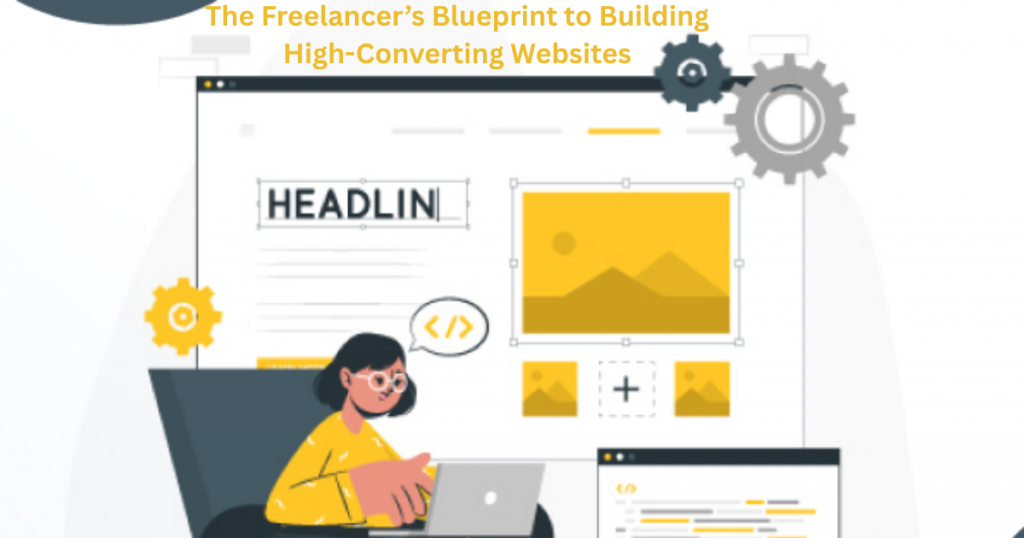
Struggling to get clients from your website? You’re not alone. Most freelancers pour time and money into their sites, only to hear crickets. No inquiries. No bookings. Just wasted effort. Here’s the painful truth: A bad website costs you jobs every day. Potential clients visit, then bounce to competitors with better sites. They don’t see your value. They don’t trust your skills. And you lose out – even if you’re amazing at what you do. But here’s the good news: Building a client-winning website isn’t complicated. This blueprint shows you exactly what works – no tech skills needed. You’ll learn the simple pages, design tricks, and words that turn visitors into paying clients. Ready to stop missing opportunities? Let’s build your high-converting site.
Table of Contents
Why Your Website Is Your #1 Sales Tool (Even If You Hate Tech)

Your website works for you 24/7 – even while you sleep. Think of it as your best salesperson, always showing potential clients why they should hire you. Unlike social media where posts disappear, your website gives you full control. You decide what clients see first, how your work is presented, and what action they take next.
Many freelancers make the mistake of relying only on word-of-mouth or platforms like Upwork. But these leave money on the table. Your own website builds trust and credibility that marketplaces can’t match. It’s where clients go to check you’re legit before hiring. No website? They might think you’re not serious about your business.
The best part? You don’t need to be tech-savvy. Modern tools make building a professional site easier than ever. In the time it takes to watch a movie, you could have your basic site up. And once it’s live, it keeps working to attract new clients every day without extra effort from you.
Choosing the Right Platform: WIX vs. WordPress vs. Others

Picking your website platform is like choosing a home – it needs to fit your lifestyle. WIX is the easiest option, perfect if you want to drag-and-drop your way to a nice-looking site fast. No coding needed. WordPress offers more flexibility but requires more setup – ideal if you want total control over every detail.
Other options like Squarespace work well for visual portfolios, while Shopify specialises in selling products. The key is to match the platform to your skills and needs. If you’re not technical, WIX or Squarespace will save you headaches. If you plan to grow big, WordPress gives more room to expand.
Don’t overthink it – you can always switch later. What matters most is getting started with something simple that lets you showcase your work professionally today.
The 5 Must-Have Pages Every Freelancer’s Site Needs
Your website needs just five key pages to convert visitors into clients. First, a clear Homepage that instantly shows what you do and who you help. Second, an About Page that tells your story – clients hire people, not services. Third, a Services Page detailing exactly what you offer and you’re pricing.
Fourth, a Portfolio Page with your best work samples – this builds trust in your skills. Finally, a Contact Page that makes it stupid-easy for clients to reach you. Bonus points for adding testimonials throughout these pages.
That’s it! You don’t need fancy extras. These five pages cover everything a potential client wants to know before hiring you. Keep each page focused and remove anything that doesn’t help visitors decide to work with you.
How to Write Website Copy That Actually Converts Visitors
Your website words make all the difference between a visitor and a paying client. Start by speaking directly to your ideal customer’s problems. Instead of “I offer graphic design services,” try “Struggling to make your brand stand out? I create eye-catching designs that get noticed.” This grabs attention immediately.
Keep sentences short and scannable. Use bullet points for services and bold text for key benefits. Always include clear calls-to-action like “Book your free consultation” or “See my portfolio.” These tell visitors exactly what to do next. Avoid industry jargon – write like you’re explaining your work to a friend.
Testimonials are your secret weapon. Sprinkle real client quotes throughout your pages, especially near call-to-action buttons. They build trust faster than anything you can say about yourself. Remember, good copy isn’t about fancy words – it’s about making visitors feel understood and showing them how you can help.
Design Hacks for Non-Designers: Making Your Site Look Pro
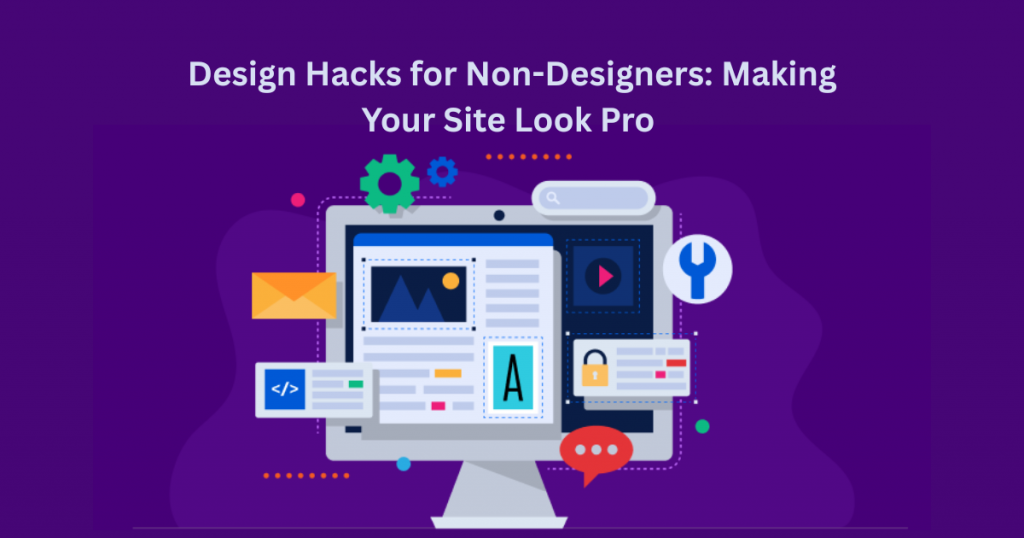
You don’t need to be a designer to create a professional-looking website. Start with a clean, simple template – less is more. Stick to 2-3 colors max (one main color, one accent, and neutral backgrounds). Use the same fonts throughout – one for headings, one for body text. This creates instant consistency.
Whitespace is your friend. Don’t cram everything together – give elements room to breathe. Align everything neatly (most website builders have grid tools to help). Use high-quality images that reflect your work and brand. If you don’t have professional photos, try free stock photo sites like Unsplash.
Add visual hierarchy to guide visitors. Make important elements (like your “Hire Me” button) stand out with color or size. Use icons to break up text. These small touches make a big difference in how polished your site looks, even if you’re not a designer.
The Secret to Getting Clients with a Killer Portfolio Page
Your portfolio page is where clients decide if you’re the right fit. Don’t just show your work – tell the story behind each project. For every sample, include: what the client needed, how you solved it, and the results you achieved. This shows your thinking process, not just final products.
Organize your work by service type or industry so clients can easily find relevant examples. Include a mix of your best 8-12 projects – quality over quantity. For each one, use before/after comparisons if possible, and always get client permission to share their work.
Add case studies for your top 3 projects. These don’t need to be long – just 2-3 paragraphs explaining the challenge, your solution, and the outcome. Include metrics if you have them (“Increased their website conversions by 30%”). This proves your work gets real results, making clients more likely to hire you.
Simple SEO Tweaks to Get Found on Google Faster
Getting your website seen on Google doesn’t have to be complicated. Start by using the words your clients actually search for. If you’re a wedding photographer in London, include phrases like “London wedding photographer” naturally in your page titles and headings. Google looks at these first to understand what your page is about.
Make sure every page has a clear purpose and answers common questions. A page titled “How Much Does a Wedding Photographer Cost?” will rank better than one just called “Pricing.” Add alt text to your images describing what they show – this helps Google “see” them. Speed matters too – compress large images and use a fast hosting service so your pages load quickly.
These small changes add up over time. Check your site monthly and make small improvements. The more helpful and clear your content is, the more Google will show it to people searching for your services.
How to Add a Contact Form That Gets Replies (Without Spam)
Your contact form is where clients become customers – but only if it works right. Keep it simple: just name, email, and a message field are enough. More fields mean fewer people will fill it out. Place it on every page, not just your contact page – make it easy to reach you from anywhere.
Stop spam without frustrating real clients. Add a simple checkbox like “I’m not a robot” or use free tools like Google’s reCAPTCHA. Set up email notifications so you never miss an inquiry. Test it yourself by sending a message – if you don’t get it, fix the problem before launching.
Make your form inviting. Instead of just “Submit,” try “Send Message” or “Let’s Work Together.” Add a short note like “I usually reply within 24 hours” to set expectations. These small touches make clients more likely to reach out.
Launch Checklist: Don’t Go Live Without These 7 Things
Before you launch your website, check these key items. First, test every link – nothing hurts credibility like a “Page Not Found” error. Second, check how your site looks on phones – most visitors will be mobile. Third, add your contact info in the footer so it’s always visible.
Fourth, set up Google Analytics to track visitors. Fifth, connect your social media links. Sixth, proofread all text – typos make you look unprofessional. Finally, test your contact form to ensure you receive messages.
Don’t wait for perfection – your site can always improve later. But these basics ensure your first visitors have a good experience and see you as a pro. Bookmark this checklist and use it every time you make big changes to your site.
Final Thoughts
You now have everything you need to build a website that actually works for your freelance business. These strategies have helped countless freelancers attract better clients and grow their businesses – and they’ll work for you too. The key is to take action. Start with one small change today, then build from there.
Remember, your website is never really “finished.” As you gain more experience and work with more clients, you’ll keep improving it. The most important thing is to get started and keep refining.
If you get stuck or have questions about implementing any of these strategies, I’m here to help. Feel free to reach out at info@salahs-portfolio.co.uk – I’m happy to point you in the right direction.
FAQ
1. How much does it cost to build a freelance website?
You can build a professional website for under £100/year using platforms like WIX or WordPress with affordable hosting.
2. Do I really need a website if I get clients on Upwork/Fiverr?
Yes! Your own website builds credibility and helps you attract better-paying clients outside marketplaces.
3. How often should I update my portfolio?
Aim to add new work every 2-3 months and refresh older projects with new details when possible.
4. What’s the most important page on my freelance website?
Your portfolio/work samples page – this is where clients decide if they want to hire you.
5. Can I use a free website builder?
Free options work to start, but paid plans (from £10/month) give you a custom domain and more features.
6. How many projects should I show in my portfolio
Quality beats quantity – 8-12 strong projects is better than 20 mediocre ones.
7. Should I include prices on my website?
It helps to have at least starting prices or packages – this filters out clients who can’t afford you.
8. How long does it take to build a freelance website?
You can create a basic but effective site in a weekend using modern website builders.
9. Do I need to blog on my freelance website?
Not required, but helpful for SEO – even just adding case studies counts as content.
10. What if I’m not happy with my website design?
Start simple – you can always redesign later as you learn more about what works for your clients.
Got more questions? Email me anytime at info@salahs-portfolio.co.uk – I read and reply to every message!

I’m an organised and curious person with a passion for technology and investigative work, currently developing my skills through hands-on experience and IT studies. I enjoy solving problems, working with others, and learning something new every day.